Icon Design
A quick guide to ordering icon design online
If you are about to buy icon design, a clear brief and the right package make all the difference. This short guide covers both, using a real offer on micraa as the example.
What to look for
- Ask whether you get source or editable files if you plan to change the work later.
- Check the delivery time against your own deadline and leave room for one round of changes.
- Look at the sample images and check that the style matches what you have in mind.
- Start with the smallest package if you are testing a new seller, then scale up.
What a typical order includes
Here is how one icon design offer on micraa, “I will create a favicon and app icon set from your logo”, breaks down:
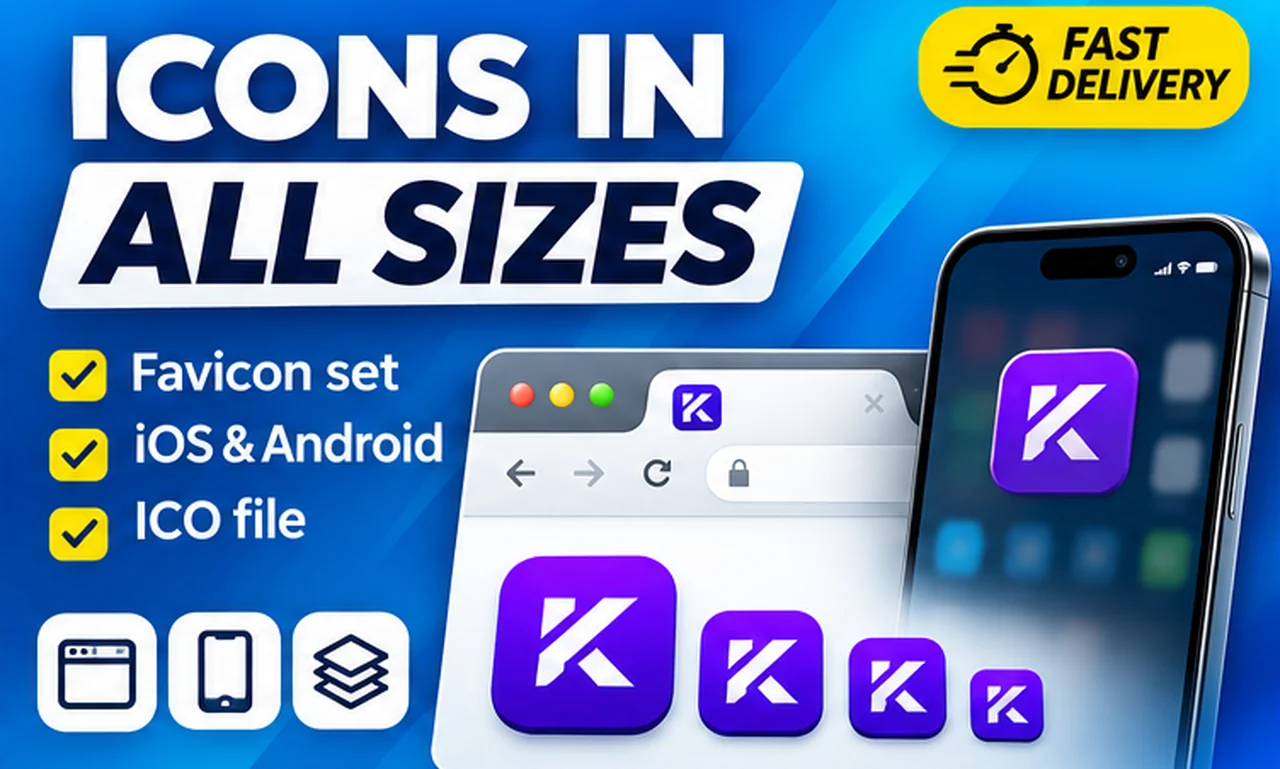
- Basic ($3.99): favicon set 16-512 px + ICO; Delivered in about 1 hour, 1 revision
- Standard ($7.99): everything in Basic; IOS and Android app icon sizes, 2 revisions
- Premium ($13.99): everything in Standard; PWA manifest, social avatar, dark version, 3 revisions
How it works on micraa
- Pick a package and add any extras you need.
- Pay securely. The seller gets your brief and starts work, with delivery in about 1 h.
- Review the delivery and ask for changes if something is off.
- Approve when you are happy. Your payment is held until then.
Related topics: favicon, app icon, icon set, ai, fast delivery
FAQ
How much does icon design cost?
On micraa you can start from $3.99 for this offer. Larger packages include more versions and revisions.
What if I need changes?
Each package lists how many revisions are included. Request changes from your order page before approving the delivery.
What should I put in my brief?
Your goal, where the result will be used, any size or format needs, and one or two examples you like.