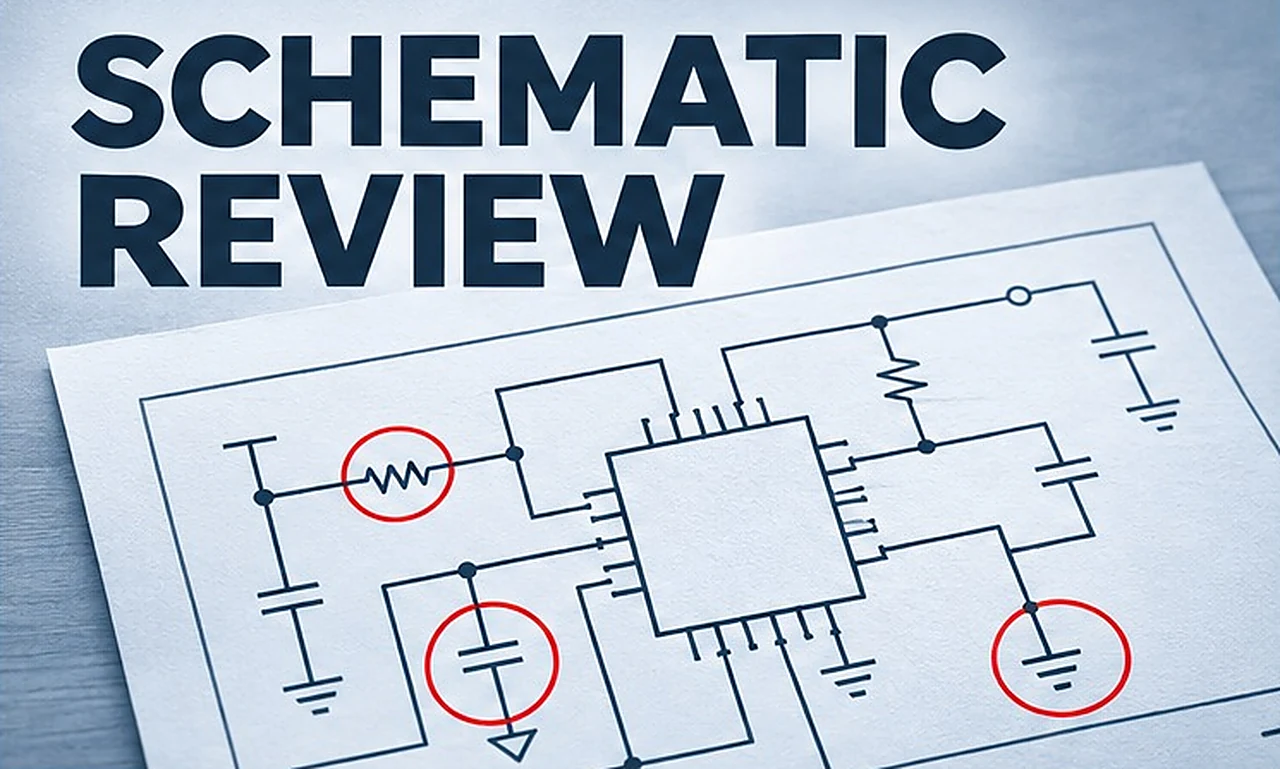
Write an azure openai setup guide and prompt pack for one workflow. An Azure OpenAI setup guide should walk a team through a checklist for one workflow, then give them a prompt pack they can actually use. I write the guide and eight prompts from your workflow and rules. I do not log into your Azure tenant, and I do not deploy a resource for you. You receive the Basic delivery described below as a Google Doc or DOCX.
This is for teams who will do their own Azure setup and want the steps and the prompts written clearly. It also suits a lead briefing IT and a content team with one shared document.
What I need from you:
- The workflow you want to run, the team who will use it, and the environment you already have (or plan to have)
- Any compliance or data-handling rules I must reflect in the guide
- Example inputs and the output you want
You send the workflow, the environment you have, compliance rules, and example inputs. I write a checklist-style guide and eight prompts, with a limits and data-handling section. I will not invent a pricing quote or a security certification. I will point to official docs for tenant-specific clicks that change over time. I then deliver the files and a short note on how to use them.
What you get on Basic ($18, delivered in 24 hours):
- An Azure OpenAI setup guide (checklist-style, not a live deployment) and a prompt pack of 8 tasks for one workflow, as a Google Doc or DOCX
- 1 revision
- Delivery in 24 hours
Standard ($26, delivered in 48 hours):
- The guide, 12 prompts, and a one-page role-and-access note
- 2 revisions
Premium ($36, delivered in 72 hours):
- The guide, 16 prompts, a role-and-access note, and a short evaluation checklist
- 3 revisions
Follow the checklist in your own tenant, then use the prompt pack. A role-and-access note comes with Standard and Premium. I do not access your subscription or handle secrets. Standard and Premium extend the same system as described in the packages below.
Honest limits: Written with AI assistance, then reviewed against your brief. Not legal, tax or medical advice. A written checklist and prompt pack only. I do not log into your Azure tenant, deploy resources, or handle keys. This is a writing service, not Azure administration, not a deployment, and not a security audit or a Microsoft licence. I do not log into Azure or store your keys. Official portal steps can change; the guide is a checklist, not a live console session.
Need more? Upgrade to Standard or Premium, or add extras for another version, express delivery, or more revisions.


 United Arab Emirates

 Maxloo
🏪 Visit store I will create AI avatar UGC style video ads for your product